Looking for a free image editor that works in your browser? You're in the right place. LocalTools Studio offers professional-grade image editing without downloads, subscriptions, or privacy concerns. Your images never leave your computer.
What Is Browser-Based Image Editing?
Browser-based image editing lets you edit photos directly in your web browser without installing software or uploading files to the cloud. Unlike traditional editors like Photoshop or online tools like Canva, everything happens locally on your device.
With LocalTools Studio's image editor, you get:
- ✅ Complete privacy – Your images never touch the internet
- ✅ Zero cost – 100% free, no watermarks, no catches
- ✅ Universal access – Works on any device with a modern browser
- ✅ Professional features – Node-based editor with advanced capabilities
How to Edit Images in Your Browser: Step-by-Step
Step 1: Open the Image Editor
Navigate to the Image Editor tool. No signup required – the editor loads instantly.
Step 2: Upload Your Image
Drag and drop your image into the upload area, or click to browse. The editor supports JPG, PNG, WebP, and other common formats. Your file stays on your computer – we never upload it.
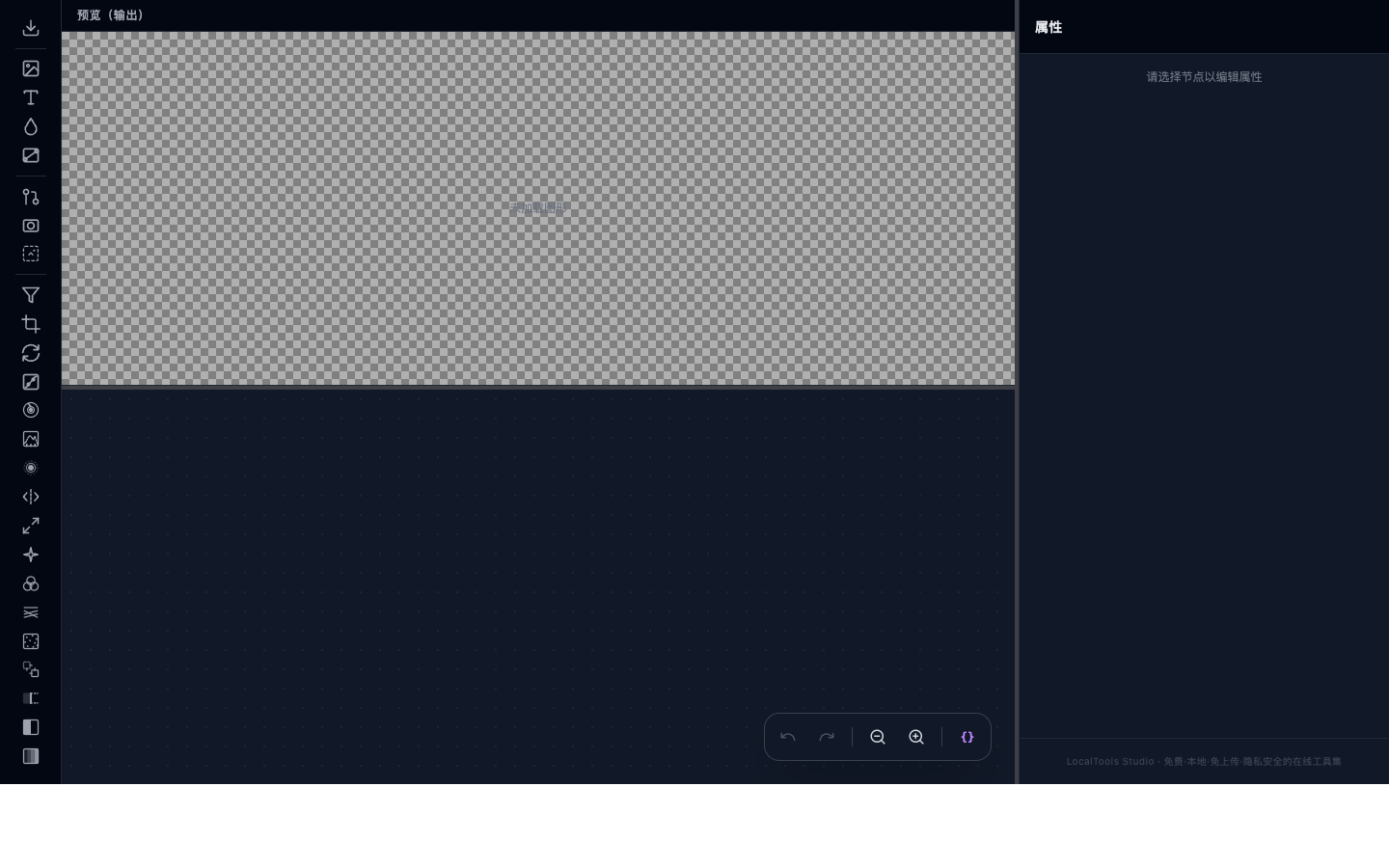
Step 3: Edit with Nodes
The node-based interface might look different from traditional editors, but it's powerful:
- Add nodes for effects like brightness, contrast, blur, or color adjustments
- Connect nodes to chain effects together
- Adjust parameters in real-time with live preview
- Experiment freely – changes are non-destructive
Step 4: Export Your Creation
When satisfied, export in your preferred format (JPG, PNG, WebP) with customizable quality settings.
Why Choose LocalTools Studio Over Other Image Editors?
| Feature | LocalTools Studio | Traditional Editors | Cloud-Based Tools |
|---|---|---|---|
| Privacy | ✓ 100% Local | ⚠ Software Install | ✗ Files Uploaded |
| Cost | ✓ Free Forever | ✗ $$$ | ⚠ Freemium |
| Installation | ✓ None Needed | ✗ Required | ✓ None Needed |
| Offline Use | ✓ Yes | ✓ Yes | ✗ No |
Privacy-First: How We Protect Your Images
Your privacy matters. Unlike most online image editors that upload your files to their servers for processing, LocalTools Studio uses WebGL and WebAssembly to process everything directly in your browser.
What this means for you:
- 🛡️ Zero uploads – Your images never leave your device
- 🔒 No data collection – We can't see your files even if we wanted to
- 💻 Offline capable – Works without internet after initial load
- 👤 No account needed – Use it anonymously
Common Use Cases
Our users edit images for various reasons:
Quick Photo Touch-ups
Adjust brightness, contrast, saturation, or crop photos before sharing on social media.
Creating Graphics
Combine multiple images, add text overlays, and create custom graphics for blogs or presentations.
Professional Photo Editing
Use advanced node chains for color grading, filters, and complex transformations.
Privacy-Sensitive Images
Edit sensitive documents or personal photos without trusting third-party servers.
Ready to try it yourself?
Experience the privacy-focused image editor that thousands of users trust daily.
Open Image Editor →Frequently Asked Questions
Is LocalTools Studio's image editor really free?
Yes, completely free. No hidden fees, no watermarks, no premium tiers. We believe powerful tools should be accessible to everyone.
Do I need to create an account?
No account required. Just open the tool and start editing. We don't collect email addresses or personal information.
What image formats are supported?
The editor supports JPG, PNG, WebP, GIF, and BMP files. Export options include JPG, PNG, and WebP with adjustable quality settings.
Can I use this offline?
Yes! After the initial page load, the editor works offline. Your images stay on your device the entire time.
Is it safe to edit sensitive documents?
Absolutely. Since everything processes locally in your browser, your sensitive documents never touch the internet. This makes it ideal for editing personal photos, business documents, or any private images.
How does the node-based editor work?
Think of nodes as building blocks. Each node performs a specific function (like adjusting brightness or applying a blur). You connect nodes together to create your editing pipeline. It's similar to how professional compositing software works, but simplified for browser use.
Conclusion
Browser-based image editing with LocalTools Studio gives you the best of both worlds: professional editing capabilities combined with complete privacy. Whether you're touching up vacation photos or creating graphics for work, you can do it all without installing software or trusting your files to the cloud.
Give it a try today – your images will thank you for keeping them private.